Boards
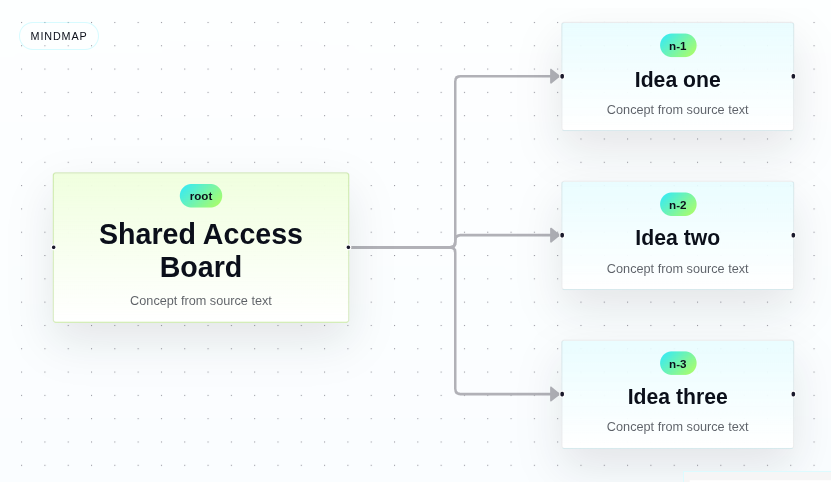
For ideas, processes, mindmaps, architecture, and kanban workflows. Best when the agent needs to organize information into nodes, flows, and stages.
Typical agent calls

Pipintama is a tools platform for agents like OpenClaw, Hermes, and others. The user writes in chat, the agent calls the right tool, and Pipintama returns a visual, structured, or actionable output.
Search intent / SEO
Example
“sales Jan 10k Feb 15k” → chart
“supplier A vs B” → comparison + recommendation
“customer sends request, team validates” → diagram
“100 units red 20 days” → structured order summary
This is not “another prompt UI.” It gives agents clear surfaces for producing concrete results.
Turn phrases, numbers, and processes into line charts, bar charts, pie charts, mindmaps, flowcharts, maps, and hosted boards.
Coming next: comparisons, simulations, risk views, and scenario tools so agents can help users decide, not just render.
Create forms, polls, and surveys now, then extend into tables, quotes, reports, and other structured documents from plain language.
Today Pipintama already turns text into charts, boards, maps, and forms. Each tool has its own viewer, export surface, and live hosted link.
For ideas, processes, mindmaps, architecture, and kanban workflows. Best when the agent needs to organize information into nodes, flows, and stages.
Typical agent calls

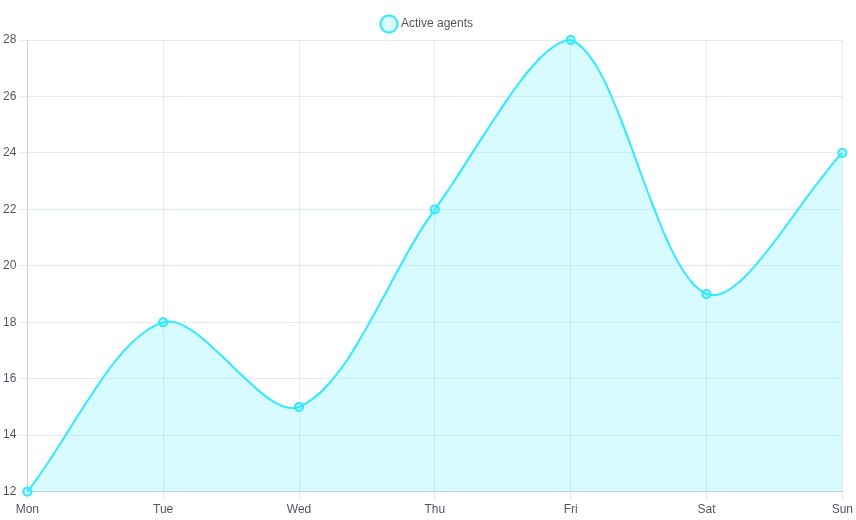
For turning text and numbers into line, bar, pie, and radar charts. Best when the user wants trends, comparisons, or visual distribution.
Typical agent calls

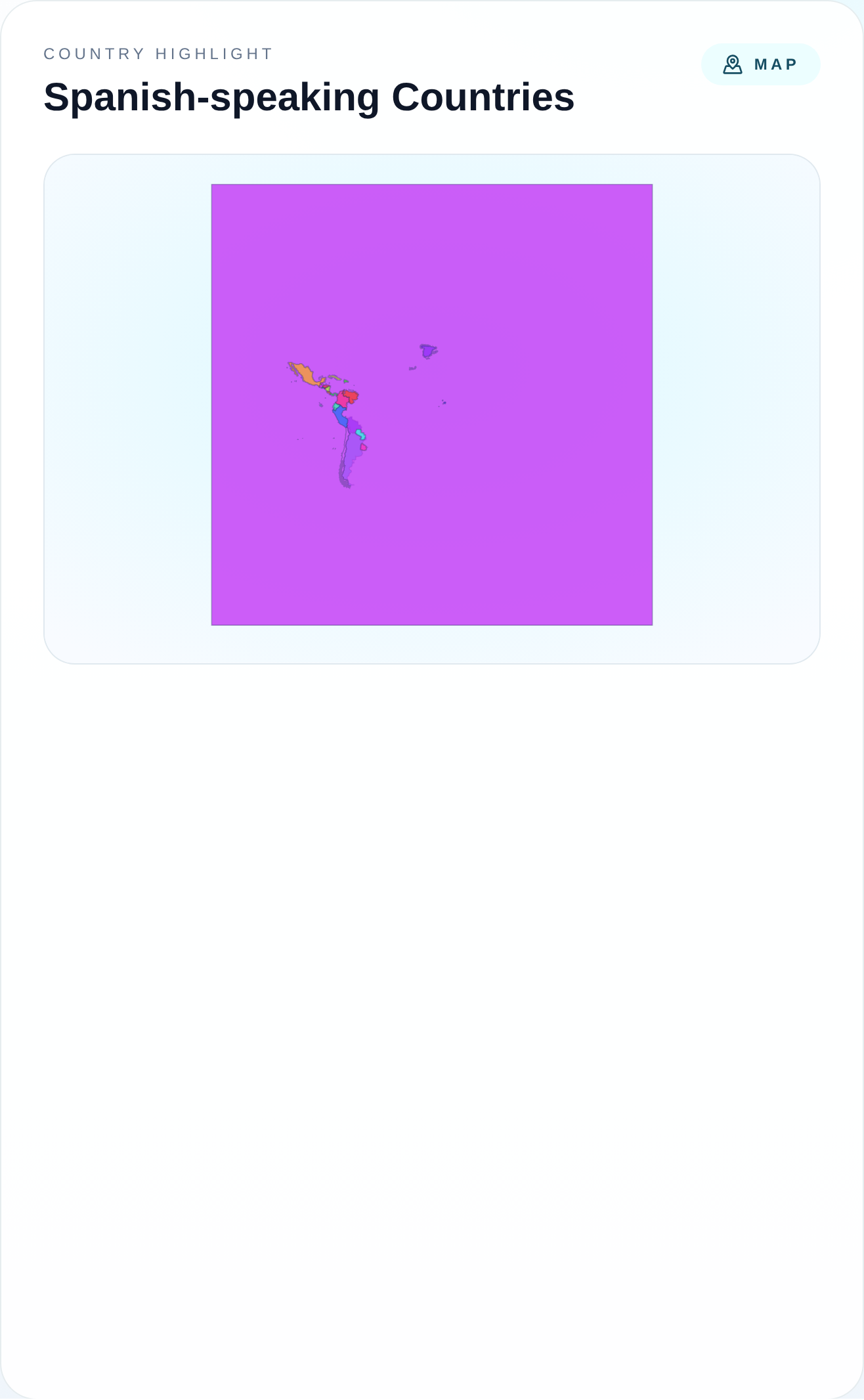
For countries, cities, departments, states, and provinces. Best when the agent needs geographic coverage, branch locations, highlighted regions, or language-based country maps.
Typical agent calls

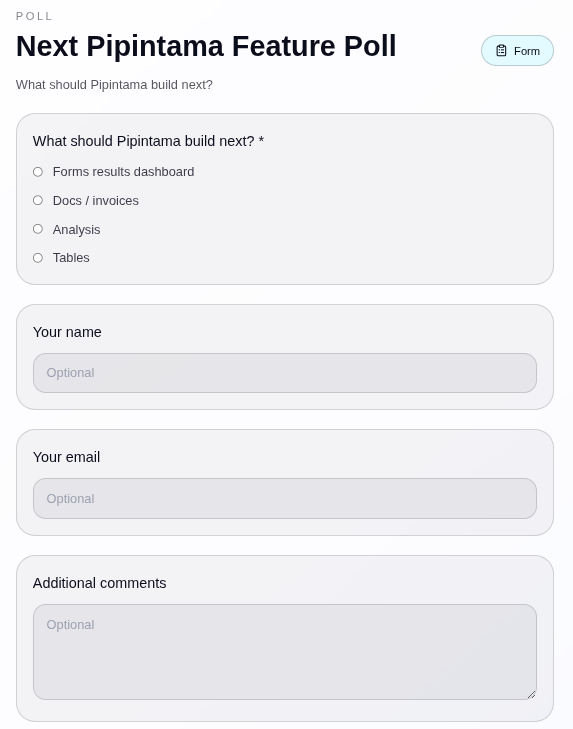
For polls, surveys, lead capture, onboarding, and intake. Best when the agent needs to collect responses through a shared link and then review the results.
Typical agent calls

Three simple steps from a chat message to a usable result.
It can be numbers, a process, a comparison request, or a structure that needs to be organized.
Use Charts for data, Boards for visual structures, Maps for geography, or Forms for response collection, then return the result without forcing the user into another workflow.
The agent replies with a live link, a PNG preview, and a visual or structured result that can already be shared or refined.
Concrete ways an agent can use Pipintama from a conversation.
The agent returns a chart ready to show trend and share in Telegram or WhatsApp.
The agent can structure the comparison now and later extend it into deeper analysis and recommendation.
The agent creates a live flowchart or board with link and PNG instead of falling back to ugly ASCII or markdown.
If the agent can understand the conversation, Pipintama can turn it into charts, diagrams, boards, and structured outputs on a shared platform.